You've got a tote that renders beautifully, a factory asking for seam allowances you haven't set, and a sample room waiting on a pattern that only exists as a front view. That's the usual point where teams go shopping for handbags design software, and it's also where the wrong purchase hurts. A concept tool won't fix pattern engineering. A pattern CAD won't fix slow ideation.
This guide sorts ten tools by where they sit in the workflow, AI concepting, 3D bag visualization, 2D pattern engineering, or fabric-based 3D design. It flags which tools stop at the pattern and which carry through to factory documents. It also says plainly where public pricing or proof of use is missing, because a sales call shouldn't be your first pricing test.
The category is no longer niche. A 2025 industry estimate in the MarketIntelo fashion CAD market report valued the global fashion CAD market at approximately $6.2 billion, with software representing 72.3% of the market. That scale explains the choice, but it doesn't make the tools interchangeable.
Match the tool to your bottleneck first, then check exports your factory accepts. If you also need launch visuals, the same discipline applies to faster campaign asset production, where pretty output still has to survive real deadlines. Here's where each option fits.
Table of Contents
- 1. Genpire
- 2. DesignspaceX
- 3. Romans CAD RCS 3D Bag
- 4. MindCAD for Leather Goods
- 5. Mozart CAD
- 6. ElitronCAD 2D Leather Goods
- 7. Leathercraft CAD
- 8. CLO
- 9. Optitex 2D/3D CAD
- 10. Fabra
- How the ten handbags design software options differ at a glance
- Matching Handbags Design Software to Your Bottleneck
1. Genpire
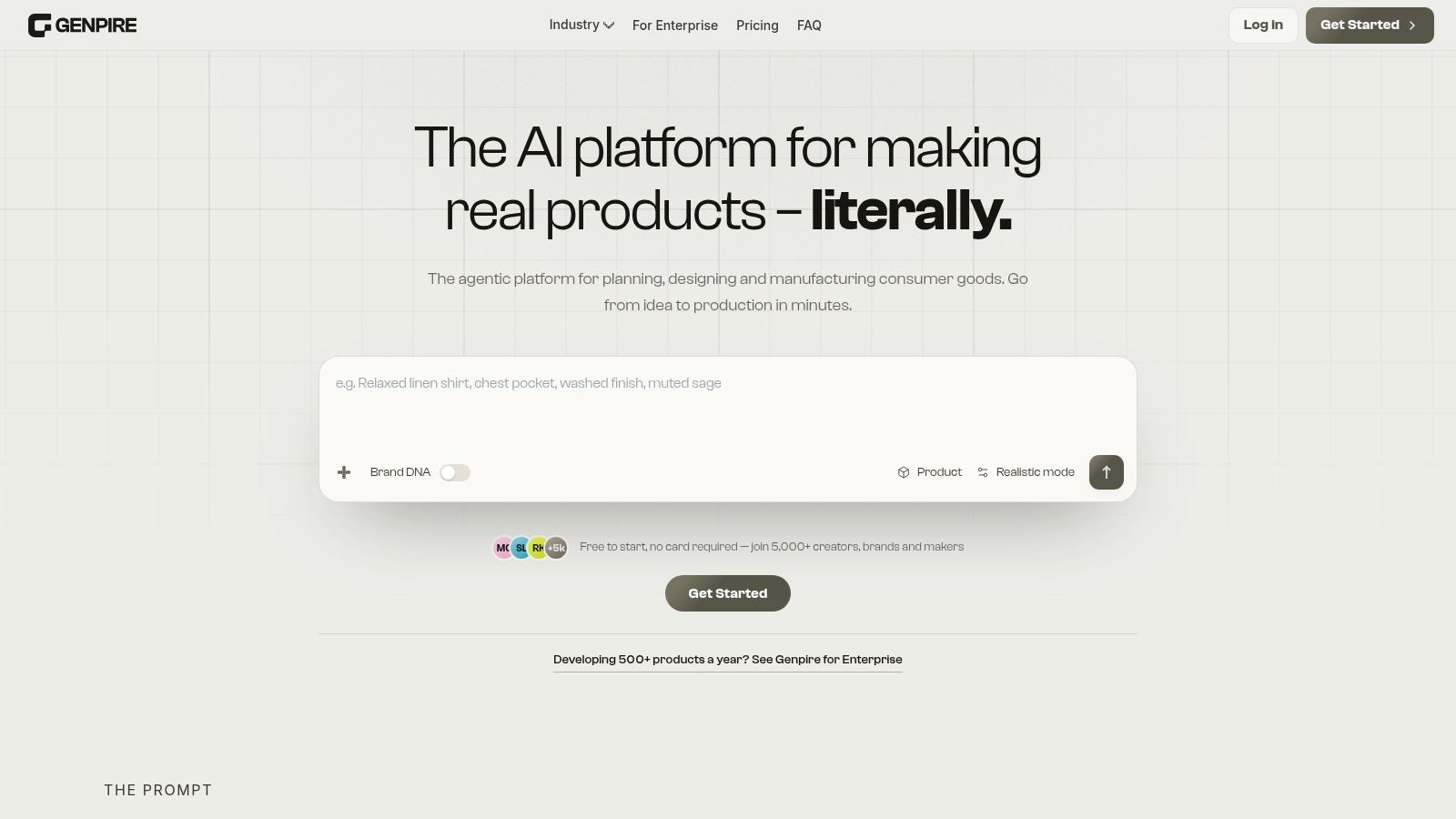
A bag concept that starts as a typed sentence and ends as a factory-ready file is the pitch behind Genpire. You begin with text, a sketch, or a reference image uploaded from any angle, then refine silhouette, materials, colors, and details in a visual editor with manual override. No CAD training is needed to get a usable first pass.
What it does well for bags
Brand DNA stores your moodboard, palette, and reference products so variants stay on-brand instead of drifting with every prompt. The platform generates multi-view visuals, technical flats, measurements, construction details, and editable tech packs, with exports to SVG, PDF, and Excel. For handbags, that means hardware placements, lining details, and stitching callouts live in the same file as the concept. A library of 500+ editable blanks speeds up the blank-page stage.
RFQs, sampling, and production planning sit in the same workspace, and factories comment directly on the file you finished, with free view-only seats for suppliers. Try-On Studio and marketing imagery cover e-commerce visuals without a separate shoot, and the data protection policy states customer designs don't train the platform's models. Genpire reports demonstrated cycle compression of 9–13 weeks, roughly 65% against traditional development, and says it raises a designer's output 3-5x without replacing their judgment.
Where it stops
It's free to start with no card required. Paid plans are credit-based for individuals, teams, and enterprise, and exact credit prices depend on plan and usage, so check current credit rates against your expected volume. AI-generated specs still need human review and a physical sample. Final timelines and costs vary by supplier.
Practical rule: Treat any AI tech pack as a draft until a pattern maker checks gusset depth, reinforcement, and hardware dimensions against real materials.
Solo founders without a design background have shipped custom products through this workflow. I recommend it when concept speed and factory handoff are the same bottleneck; for deep 2D pattern engineering, look further down the list.
2. DesignspaceX
DesignspaceX is built specifically for handbags, which already sets it apart from apparel tools adapted for bags. It connects concept development, trend research, tech packs, and factory handoff in one flow. If your team lives in bags only, that focus matters.
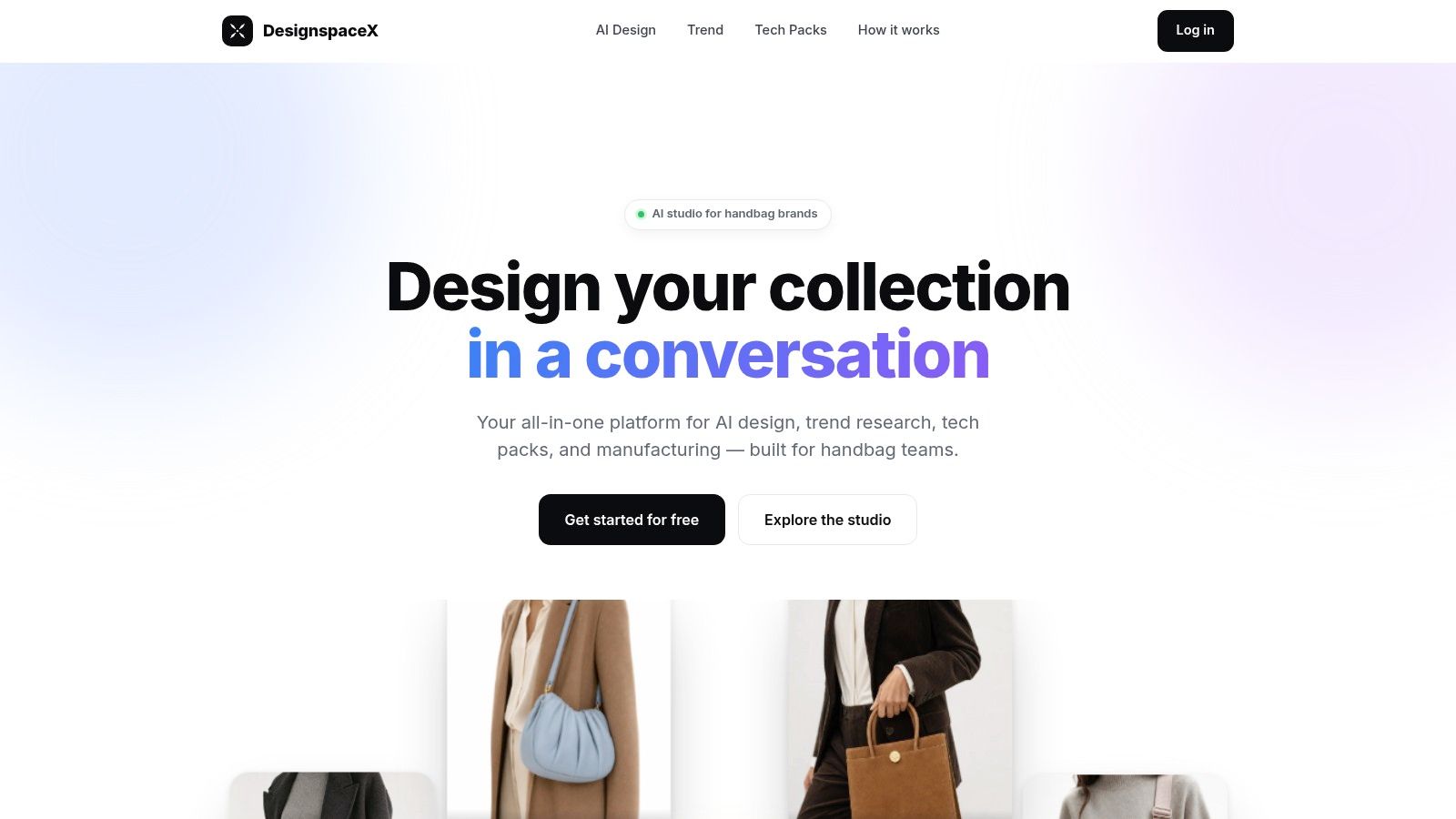
Conversational design lets you change colors, textures, and prints while aiming to preserve the bag's shape. That's useful when a buyer loves the silhouette but wants a new material story. Trend research pulls Amazon and Google Shopping best-sellers, review counts, and price bands, so you can check demand before you sample.
- Auto tech packs: Multiple views, materials, and measurements assembled for you.
- Factory order sheets: Built around your own swatch and color-code library.
- Free start: Paid-plan details weren't publicly evident.
The strength is the handbag-specific path from exploration to production documentation. It should cut repetitive data entry between design and sourcing. The trade-off is proof. Limited independent user-review evidence is publicly available, and public pricing and detailed technical specifications weren't apparent. AI concepts and specifications still need checking by your designer and manufacturer before you commit leather.
3. Romans CAD RCS 3D Bag
Say your problem isn't ideas. It's volume. You need to see how a structured bag occupies space before anyone cuts a pattern. Romans CAD RCS 3D Bag is a specialist 3D tool for bags and leather goods, and it's built for exactly that stage.
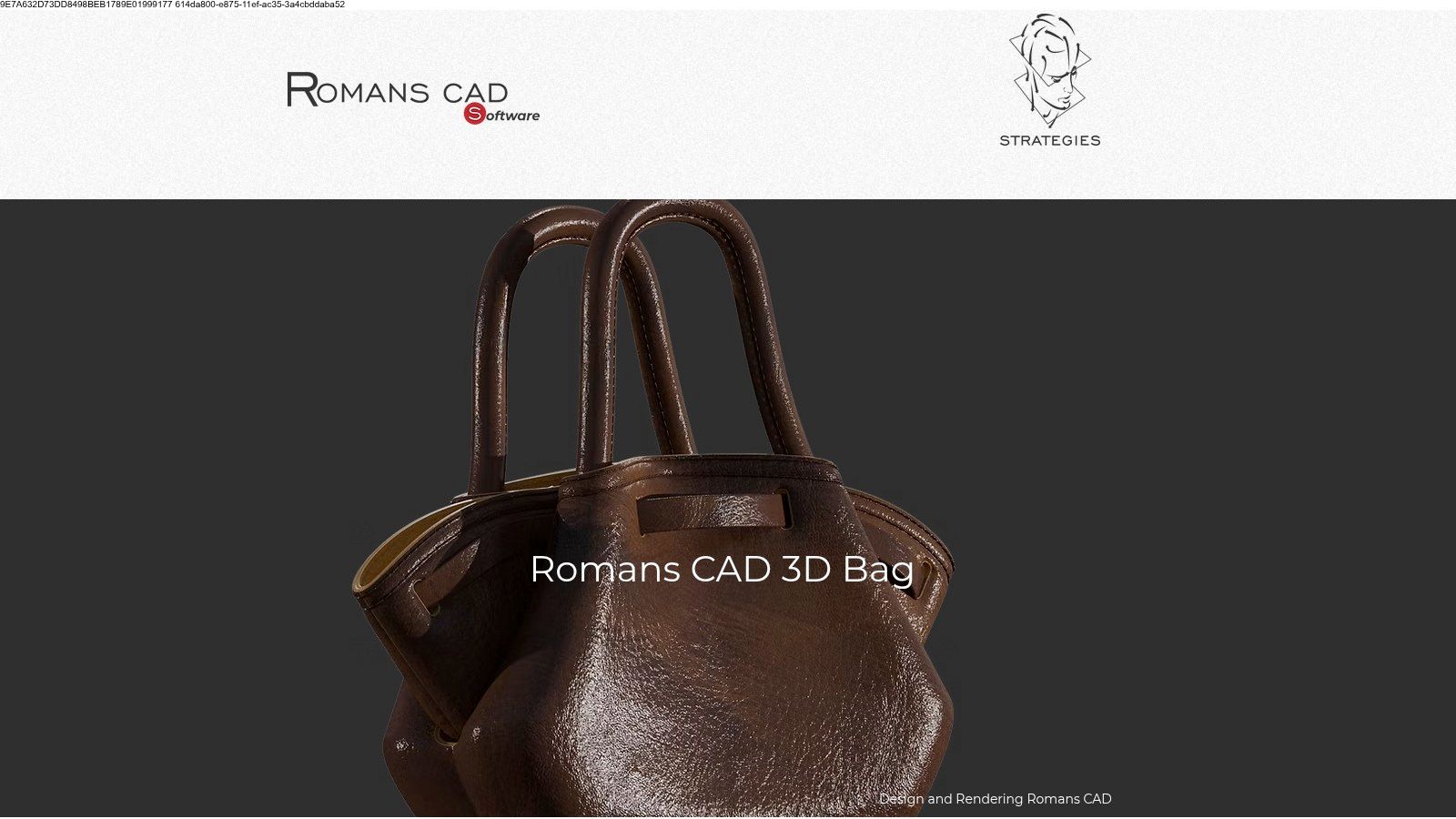
You create bags interactively in 3D, customize components, and watch real-time 2D and 3D visualization side by side. The Expert version adds automatic flattening of a 3D-designed bag into 2D patterns. That link between approved volume and pattern pieces is the reason to buy it.
It also connects to Romans CAD 2D patternmaking and product-data tools, so you're not exporting into a dead end. This is purpose-built leather-goods work, not apparel software with a bag template bolted on.
Expect a training investment. It'll likely require more learning than a lightweight design app, and pricing comes by sales inquiry, not a public page. Confirm export compatibility against your factory workflow before you sign. A flattened pattern your cutter can't read is just a nicer dead end.
4. MindCAD for Leather Goods
MindCAD for Leather Goods doesn't pretend to be a concept tool. It's a specialized 2D environment for designing and engineering luggage, bags, parts, and patterns. If your bottleneck is technical development, that's the right kind of narrow.

Pattern engineering depth
You get 2D tools for style lines, measurements, and line distortion, plus pattern creation with dependencies and stitching-continuity support. Automatic margins, overlaps, notches, fillets, drills, and stencils handle the repetitive marks that cause errors when they're drawn by hand each time. Digitizing options cover scanned parts and 2D digitizing tablets, which helps when you're migrating paper patterns.
Integration options extend to cutting, product-data management, and cost evaluation. That's where the value compounds for production-focused teams running repeatable patterns at volume.
The limits are clear. It's a technical CAD and engineering solution, not a simple visual-design or AI concept tool. Public pricing wasn't apparent, and setup requires vendor contact. Its value is greatest when you can use the wider MindCAD production ecosystem. A small brand sampling five styles a year won't extract that value.
5. Mozart CAD
Some pattern makers don't want a new platform. They want their existing CAD to understand leather goods. Mozart CAD is an add-on that works within AutoCAD or ZWCAD rather than replacing them, and that distinction decides whether it suits you.
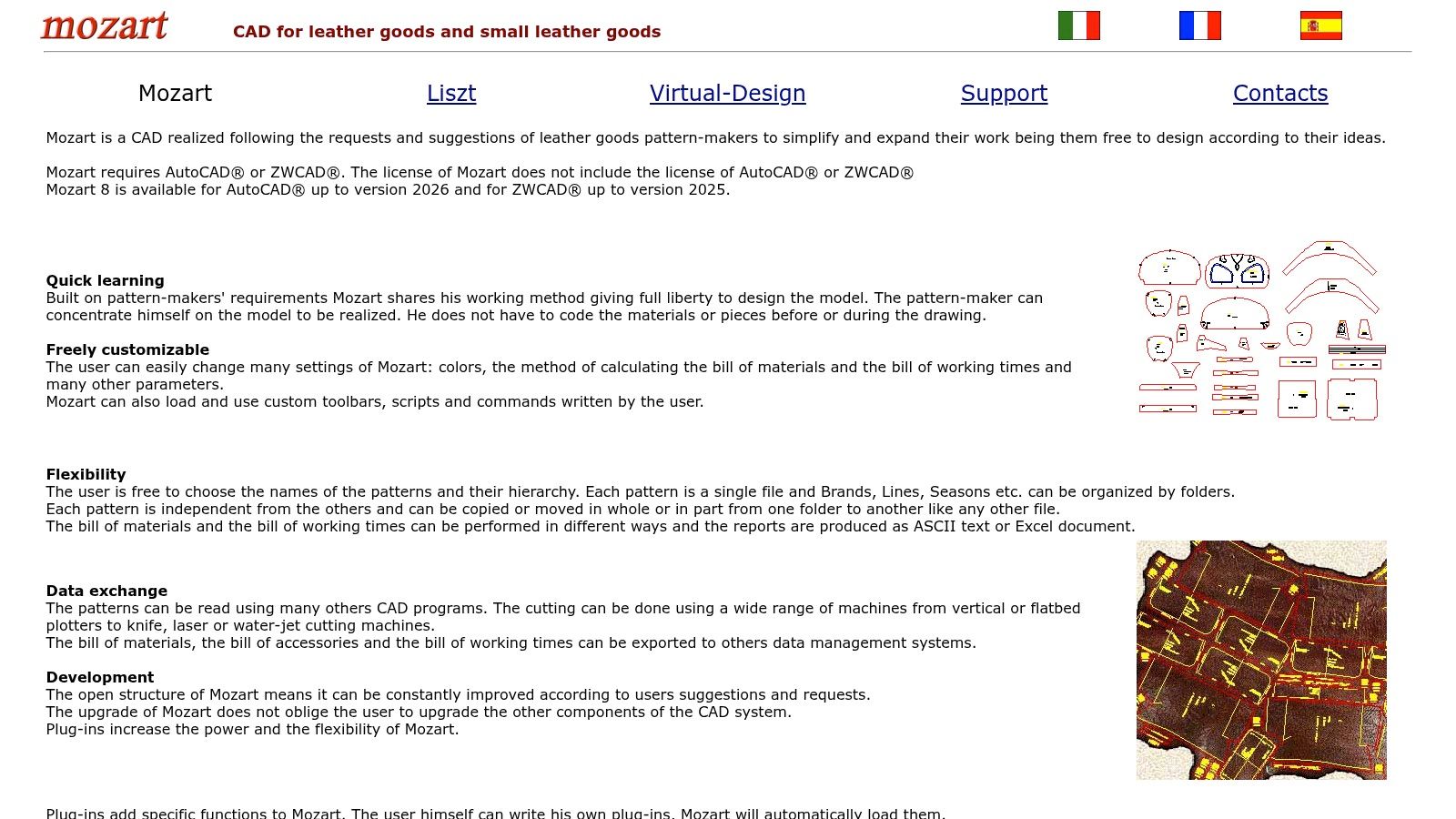
It provides a leather-goods-specific drafting workflow and is designed to let you draw models without first coding materials or pieces. Customizable settings cover colors and calculations for bills of materials and working times, which suits companies with established costing methods they don't want to rebuild. Mozart 8 is listed for AutoCAD through version 2026 and ZWCAD through version 2025.
- Familiar foundation: You keep the CAD environment your team already knows.
- Custom calculations: Material and labor figures follow your own settings.
- Separate license required: You still need AutoCAD or ZWCAD underneath.
It's primarily 2D and CAD-oriented, not a modern 3D visualization platform. Pricing and trial access weren't apparent on the product page. I see it fitting experienced pattern makers who prefer conventional drafting and already own the foundation license. Everyone else is paying for two tools to get one workflow.
6. ElitronCAD 2D Leather Goods
ElitronCAD 2D comes from a company also active in production and cutting equipment, and that heritage shows. It's a modular CAD system with a dedicated 2D option for leather goods, built to talk to CAM equipment and management systems.
Parametric functions let you make stylistic and dimensional changes across pieces without redrawing each one. Change a width, and dependent pieces follow. Technical reports cover style variants, consumption, and base patterns, which helps standardize development across a range.
The modular structure lets firms select capabilities and expand later. The open-system approach is intended to communicate with CAM peripherals and management systems, so design data can reach the cutting room without manual re-entry.
A CAD that talks to your cutter saves more time than a CAD with prettier menus. Verify the conversation works with your actual machines.
Public pricing isn't listed, and module selection requires vendor consultation. It's primarily a 2D CAD and CAM offering, not a prompt-based concept tool. Confirm compatible file formats and equipment with your factory or cutting-room team first.
7. Leathercraft CAD
Not every bag starts in a product development department. Leathercraft CAD is a focused pattern-drawing tool for makers and small workshops, and the developer describes it as a personal project. It's free to download, which changes the risk calculation completely.
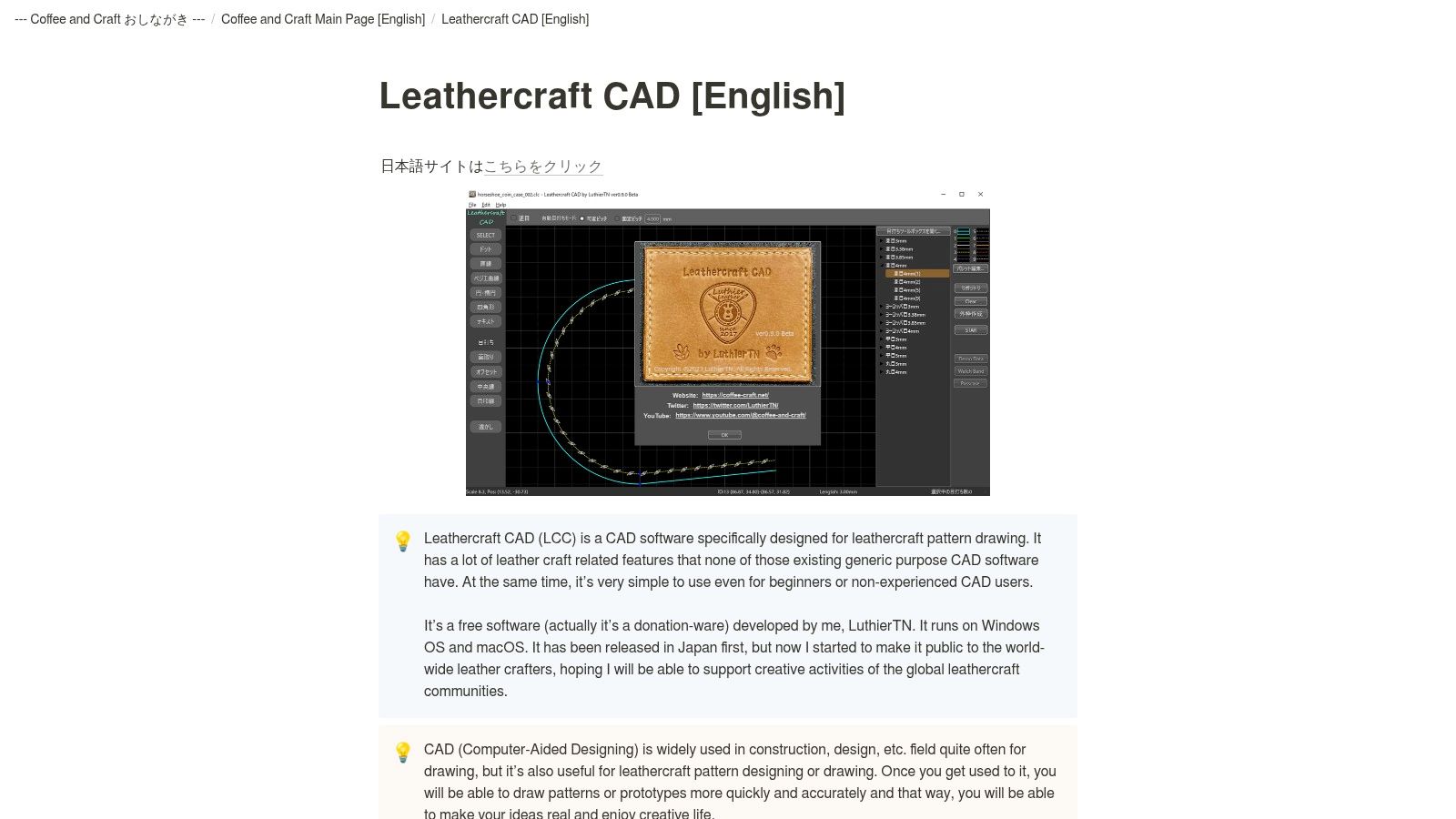
The stitching tools are the point. Automatic and manual stitching-hole placement comes with adjustable spacing, and the Box Stitch Helper matches stitch-hole counts between differently sized parts. General CAD doesn't do that without tedious manual work. Image tracing from scanned references includes DPI adjustment for true-size work, and SVG and DXF export feeds laser or cutting workflows.
Desktop versions run on Windows and macOS, with a browser-based beta also announced. The official site provides downloads and release information.
Support and development capacity may be limited because it's a small independent project. It isn't a complete 3D handbag-design, product-lifecycle, or factory tech-pack platform, and the developer notes it lacks many features of general-purpose CAD systems. If you're weighing broader options, this overview of CAD alternatives for fashion designers helps place it. Validate exported dimensions with a physical prototype before cutting good leather.
8. CLO
CLO is a 3D garment-design platform that can also create bags, from simple canvas totes to more complicated utility backpacks. That word "also" matters. It's most relevant for fabric-based bags where drape and material behavior drive the design.
Pattern editing is linked to the 3D result, so you adjust a panel and see the simulated fabric respond. Materials, colors, and trims support digital sampling and presentation, and CLO resources include bag-specific tutorials and examples. For a soft shopper or a technical backpack, that feedback loop is useful.
The wider context supports trying 3D review. One market analysis in the Market Growth Reports CAD in apparel analysis reported that more than 54% of fashion companies were using CAD-integrated 3D prototyping for sample development. The capability transfers to soft goods, even if the figure covers apparel broadly.
- Public pricing: The listed individual price is $50 per month, with a 14-day trial advertised for eligible individual users.
- Learning resources: A large fashion-design user base and broad tutorials, according to the vendor.
- Leather limits: Structured leather bags may require workarounds.
It isn't a dedicated leather-goods CAD system, and there's a learning curve without patternmaking or 3D experience. Business licensing is quote-based, and individual licenses have usage restrictions. If fabric simulation isn't your need, compare it against this CLO 3D alternative overview before committing.
9. Optitex 2D/3D CAD
Optitex 2D/3D CAD combines 2D pattern design and grading with 3D visualization and fabric simulation in one platform. The vendor's broader CAD and CAM stack serves apparel, technical textiles, and bag workflows, so it sits nearer to pattern engineering and production prep than to fast AI concepting.
What to verify in a demo
Tech Pack Essentials covers design, pattern, grading, and stitching data. Marker-making, nesting, and cutting or plotting capabilities extend into production, while colorway and print-placement visualization handles range variants. For a technical team, that is the useful promise: one pattern file can feed review, documentation, and pre-production outputs.
Bag construction still needs proof. Bring a gusseted style with lining, reinforcement, and hardware rather than a flat tote, and check whether grading, stitch data, and seam behavior match what your factory expects. Use this guide to tech pack software as the checklist for that demo.
Pricing isn't published on the vendor's site, so request a quote to compare it with your volume and team size. I recommend it when integrated pattern work, 3D review, and manufacturing functions are real requirements; smaller teams can pay in training time for capability they never use.
10. Fabra
Fabra is a browser-based product-design studio supporting 2D and 3D product work, range planning, and production specifications. For small brands, browser access removes the installation and hardware barrier that kills many CAD rollouts before they start.
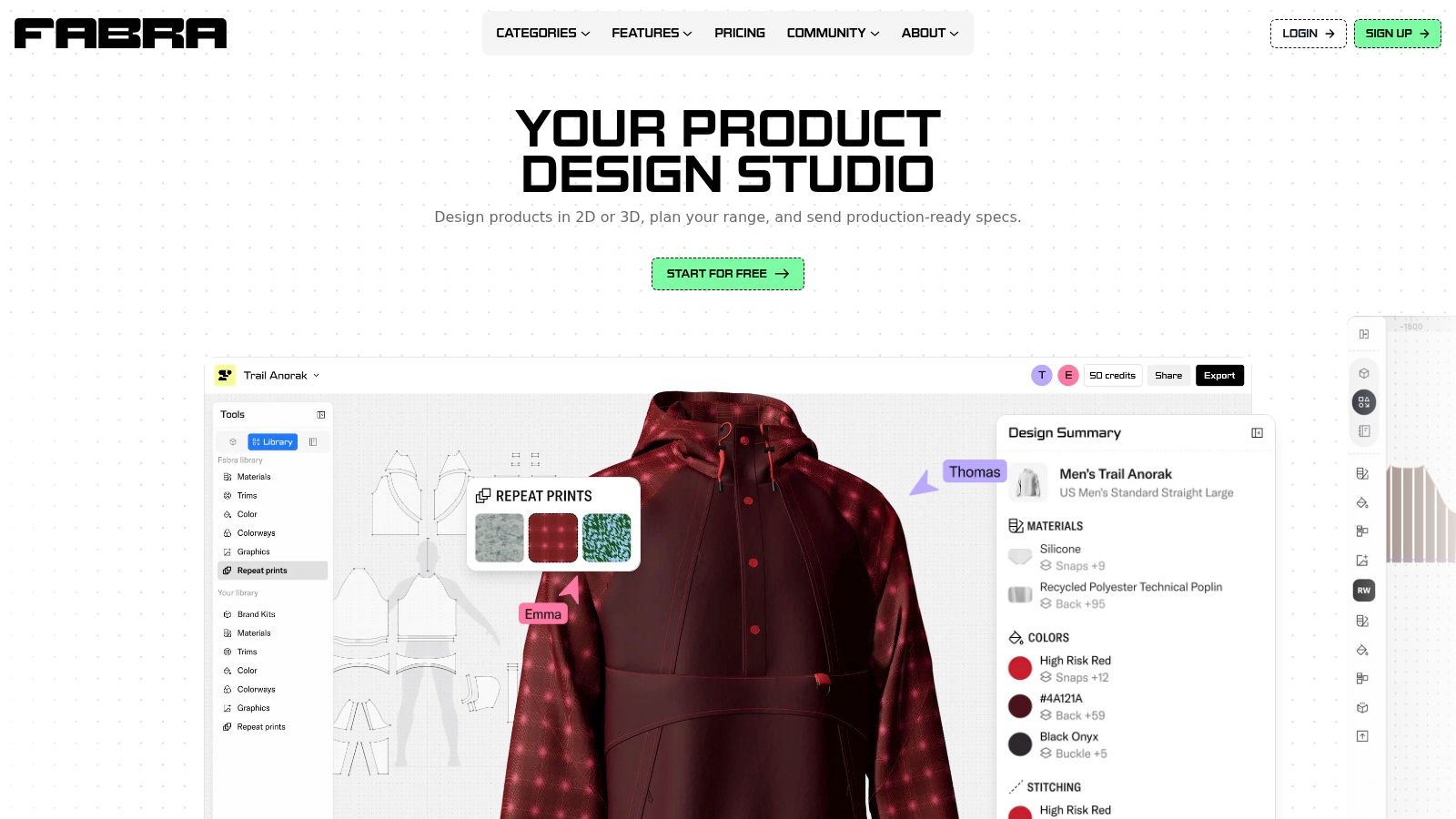
You can start from a base product or template, upload a pattern, or draft one. Patterns edit in 2D while you view the product in 3D, and tech packs include measurement lines, materials, trims, and construction callouts. Range planning and product catalog features help when you're managing a line, not a single style. Pattern-file and production-document exports depend on plan.
A free plan is available, with paid plans listed on the site. Public pricing alone earns it a trial from budget-conscious teams. The editor connects 2D patterns, 3D design, and tech packs without specialist CAD setup.
Independent review evidence appears limited, and some pattern-editing and range-planning features are marked beta. Applicability to complex handbag construction should be tested with a representative design, ideally one with lining, reinforcement, and hardware. If it handles your hardest bag, the easy ones will follow.
How the ten handbags design software options differ at a glance
| Item | Design approach | Pricing disclosed | Best for |
|---|---|---|---|
| Genpire (recommended) | AI-led product design, tech packs, and supplier-to-production workflow | Free to start; paid credit plans, exact prices undisclosed | Teams wanting an end-to-end workflow from concept to manufacturing |
| DesignspaceX | AI handbag design, trend research, tech packs, and factory handoff | Free to start; paid-plan details not publicly evident | Handbag teams connecting concept development with production documentation |
| Romans CAD, RCS 3D Bag | Specialist 3D bag design linked to 2D patternmaking | Quote by sales inquiry | Leather-goods teams connecting 3D design with pattern development |
| MindCAD for Leather Goods | 2D CAD for pattern engineering and production integration | Pricing and setup require vendor contact | Production-focused bag and luggage teams |
| Mozart CAD | Leather-goods drafting add-on for AutoCAD or ZWCAD | Pricing not publicly evident; separate CAD license required | Experienced pattern makers using conventional CAD |
| ElitronCAD 2D, Leather Goods | Modular 2D CAD with parametric editing and production links | Vendor consultation required | Manufacturers connecting design, cutting, and production workflows |
| Leathercraft CAD | Focused leathercraft pattern drawing, stitching tools, and vector exports | Free to download | Hobbyists and small leathercraft workshops |
| CLO | 3D garment design and fabric simulation, adaptable to fabric bags | $50 per month for individuals; 14-day trial advertised for eligible users | Teams visualizing and iterating on fabric-based bags |
| Optitex 2D/3D CAD | Integrated 2D patternmaking, 3D visualization, and production tools | Pricing not publicly listed | Technical design teams needing integrated pattern and production workflows |
| Fabra | Browser-based 2D/3D product design, range planning, and tech packs | Free plan; paid plans listed on site | Small brands seeking an accessible design-to-production tool |
Matching Handbags Design Software to Your Bottleneck
Start with the stage that slows you down most. If concepts stall, test an AI concepting tool on one real brief. If patterns are the problem, trial a leather-goods CAD on a bag you have already sampled, so you can compare output against a known-good result. If the factory handoff breaks, prioritize the tool that exports production-ready documents over the one with the prettier render.
Budget for hardware, training time, and support quality alongside the license fee. An expert study summarized in the UAL Research Online study of London designers identified a minimum computing investment of approximately £2,000 and a typical 6 to 12-month learning curve to reach proficiency with 3D CAD. Those hidden costs decide whether a powerful tool gets used at all.
Awareness alone does not create usage. In a survey described in the Juniper Publishers CAD adoption survey, 72.4% of respondents had heard of CAD, but only 21.9% had installed and used it. Browser access, guided workflows, and editable templates are practical adoption levers that lower the training barrier.
Validate the factory handoff
Before committing, export a tech pack, send it to your factory, and confirm the file format and measurements survive the handoff. Check seam placement, edge-paint specifications, reinforcement details, tolerances, hardware dimensions, and lining construction manually. A tool that generates convincing renders without construction constraints pushes risk into sampling, where corrections cost more.
Factory test: If your maker has to redraw your export before cutting, the tool didn't finish the job, whatever the render looked like.
Ask who reviews supplier comments and where revisions live. A single file with factory commenting beats email threads with renamed PDFs. Version drift is how a corrected strap length ends up wrong in bulk production.
Capture compliance data while you design
Ask whether the tool records leather origin, supplier evidence, component composition, repairability, and recycled content. Coverage in the Première Vision article on evolving EU textile regulation notes the EU's 2025 Ecodesign Working Plan prioritizes textiles and apparel, with Digital Product Passports expected to carry composition, environmental-footprint, and durability data. Leather goods may also fall under EU deforestation-related due diligence rules, so confirm the scope of those rules for your product codes and sourcing countries before you finalize supplier declarations.
The tool that structures design decisions as auditable product data often serves a team better than the one with the most photorealistic output. Capture material declarations per component while you design, not after sampling starts.
Run one real style through your shortlisted tool end to end and let your factory grade the result.
Start your next handbag from a prompt, sketch, or reference and carry it through multi-view concepts, editable tech packs, and supplier collaboration in one workspace, without needing CAD expertise. Visit Genpire to start free with no card required and test the full path from idea to factory-ready specification on a real style.