A shopper lands on your bridal ring page between errands, likes the stacked band in the photo, and still can't tell how it will sit next to the engagement ring she already wears. The gallery doesn't answer that. She leaves without buying.
Picking virtual try on jewelry software is less about the demo and more about whether the tool fits your catalog, your platform, and the work your team can sustain after launch. Rings, earrings, necklaces, and watches are appearance-dependent. Scale, placement, metal color, and how a piece sits on skin decide the sale more than another lifestyle crop.
The commercial case shows up in broader retail, not only in jewelry case studies. A 2021 summary citing Shopify data, covered by Netguru, reported that product interactions with augmented-reality or 3D content generated conversion rates up to 94% higher than interactions without those features, and that 51% of consumers were willing to use AR or VR to evaluate products. Those figures aren't jewelry-only, and they aren't a guarantee for your SKUs. They do show that interactive visuals can change consideration when the buyer can't visit a counter.
This guide compares 10 options on try-on method, pricing transparency, integrations, device support, and the 3D or photo assets each one needs. I'll flag where a polished preview is a styling aid, not a precise fit or size tool.
Table of Contents
- 1. Camweara
- 2. Tangiblee
- 3. Banuba TINT
- 4. GlamAR
- 5. Perfect Corp. Virtual Try-On
- 6. MirrAR
- 7. Vizora Try-On
- 8. Touchtry Virtual Try On
- 9. Genlook
- 10. HUES AI
- How the 10 virtual try on jewelry software options compare on pricing, try-on method, integrations, and asset requirements
- Matching the Tool to Your Catalog and Your Team
1. Camweara
Camweara is the vendor I shortlist when jewelry is the core catalog, not a side category inside a fashion app. You get photo and video try-on, coverage that also includes eyewear and apparel, a Shopify app, and broader integration options. Onboarding includes AI background removal and AI-assisted cleanup of obscured ring and bracelet backs, which helps when packshots hide the inside of a band.
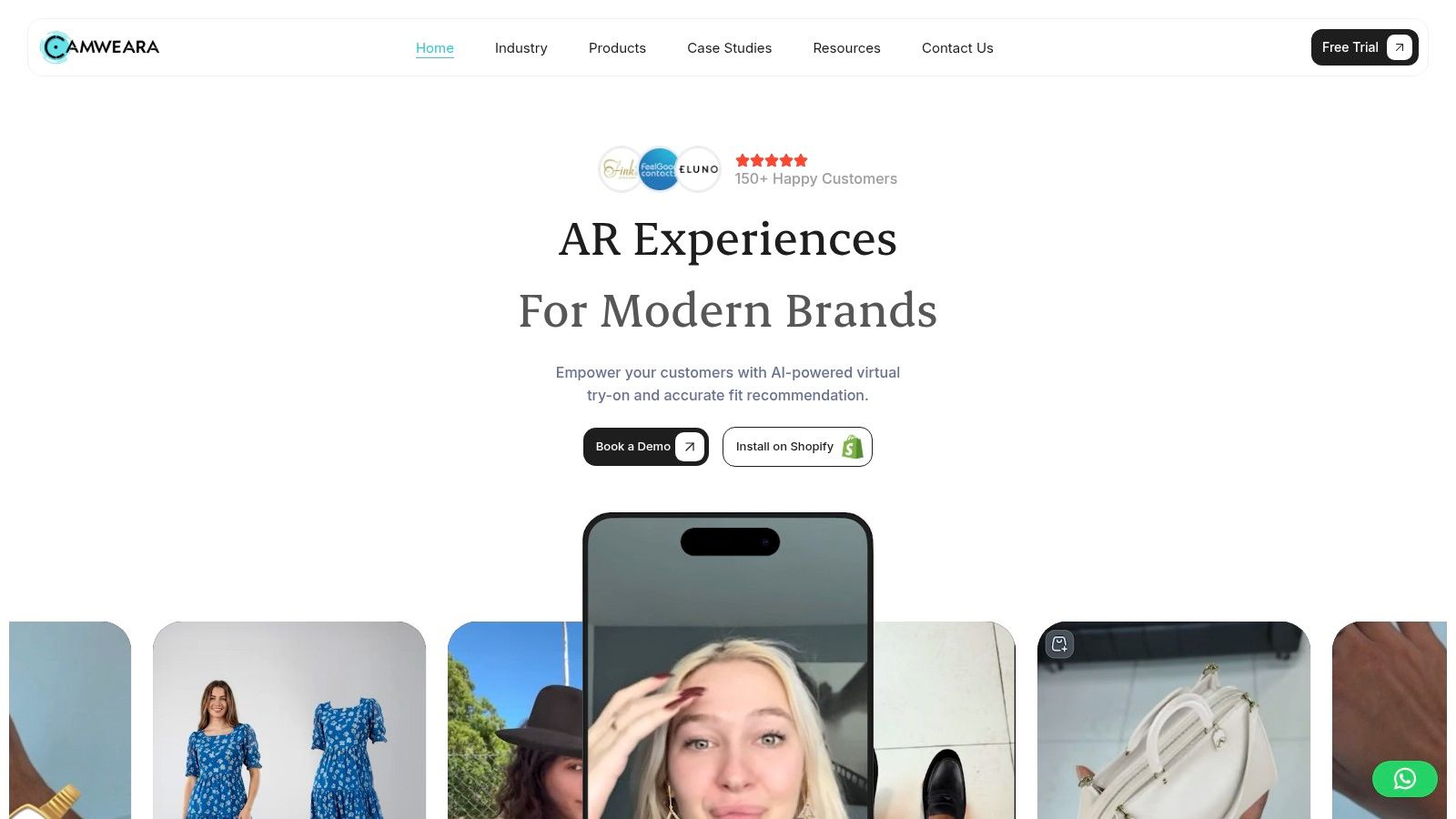
What you supply is prepared product imagery, not a separate 3D pipeline. Published plans make product limits and support easier to judge before a sales call. When I checked the Shopify listing, it showed 60 reviews and a 5.0 average.
- Plan caps the catalog: more SKUs means a higher tier, so count live styles before you commit.
- Image editing can be extra: difficult metals and hidden bracelet backs may sit outside the base fee.
- Channel pricing can differ: confirm the Shopify app and any non-Shopify embed in writing.
If the design itself is still moving, designing jewelry with AI belongs upstream of the photos you load. Camweara shows how a piece looks worn. Keep your ring-size process beside it. Details live on the Camweara site.
2. Tangiblee
Tangiblee builds browser experiences for jewelry, watches, handbags, and luggage from existing product imagery. You don't hand over 3D files. Try-on sits next to size and scale visualization, stacking, and tools for building a coordinated look, so the shopper compares pieces instead of only "wearing" one.
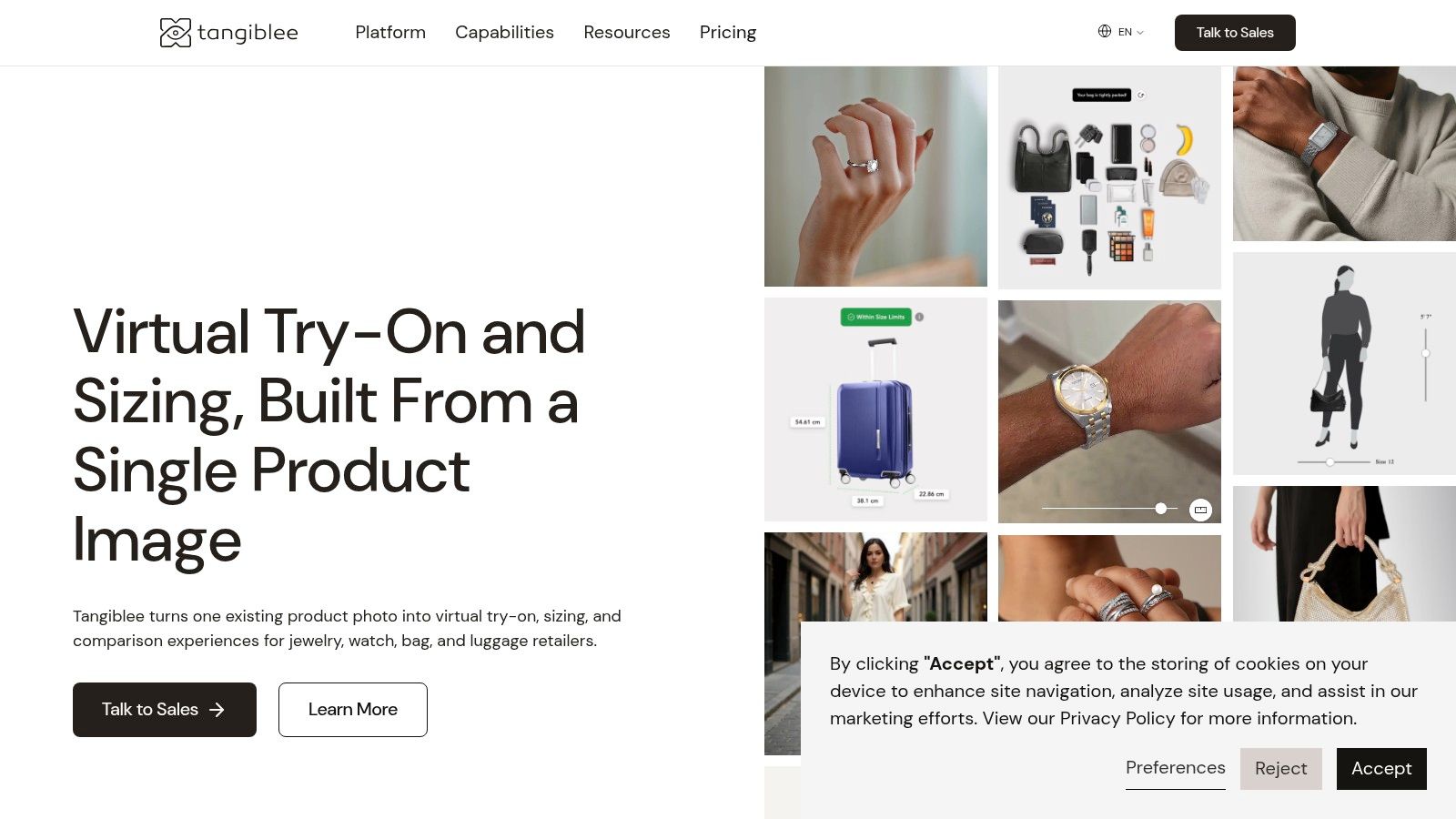
That photo shortcut is why I'd consider it for an established retailer that already has clean imagery and wants discovery, not only an overlay. Customer testimonials describe straightforward implementation and stronger shopping confidence. Pricing is quote-based, and the wider platform can be more system than a small shop needs. Coverage is jewelry, watches, handbags, and luggage, not every category you might add later.
A preview that looks right on the finger still isn't a measurement. Aitaca's note on ring-size returns cites a 2025 retail-returns estimate that put online returns at 19.3% of sales, and jewelry sources there treat incorrect ring size as a leading return driver.
Use Tangiblee's scale view for proportion. Publish inside diameter, band width, and a sizing-kit or printable fallback next to it. If you need to validate the product visually before production, do that before the storefront widget. See Tangiblee.
3. Banuba TINT
Banuba TINT is the live-camera route when your team wants face and hand tracking it can deploy, not only a hosted widget. Rings, bracelets, watches, and face-worn jewelry can track in real time. Deployment options include web, iOS, Android, Mac, and a Unity SDK. A browser demo and a free trial let you test tracking before a contract, and the vendor can digitize jewelry from photos.
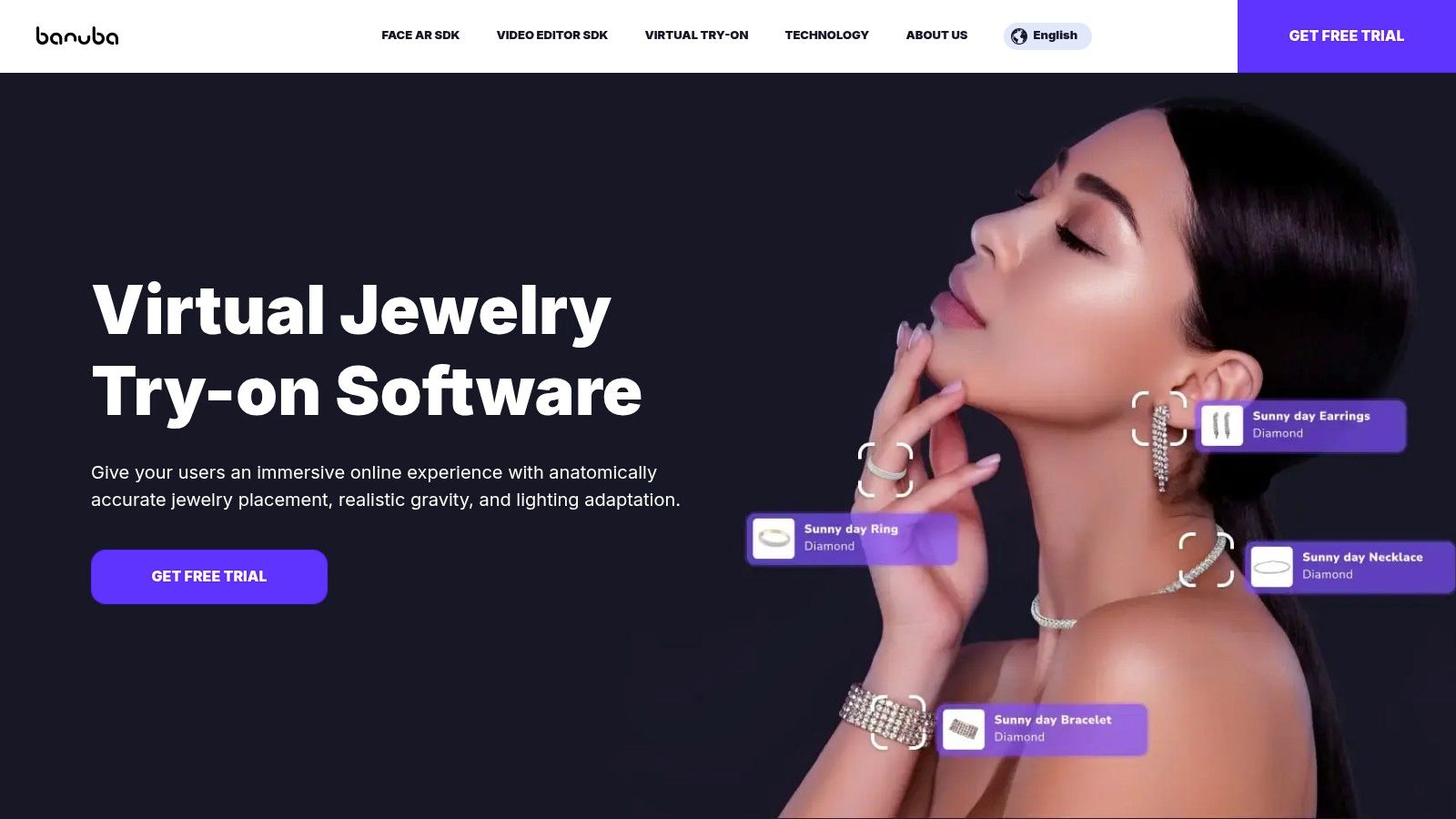
I recommend it when engineering owns the integration. Marketing shouldn't expect a one-click app-store install to cover a custom retail build. Asset prep still needs a plan, jewelry coverage depends on the plan, and custom deployments are usually quoted.
- Output is live AR: the shopper moves, and the piece has to stay anchored.
- Photo digitization is available: you aren't fully stuck if 3D files don't exist yet.
- SDK choice is the cost driver: a web embed is simpler than a Unity in-store build.
Test occlusion on a stacked band and latency on a mid-range phone before you sign. Start at Banuba's jewelry try-on page.
4. GlamAR
GlamAR expects AR-ready 3D models, then runs live try-on in the browser for rings, earrings, necklaces, bracelets, and pieces such as a maang tikka. Face and hand tracking, product variations, analytics, and SDK, embed, and API options are the integration path. Shoppers don't need a separate app for WebAR.
If you don't own models, GlamAR also offers 3D model creation. That is the trade. Published AR plans assume the models are yours. Creation adds cost, and a written quote should spell out SKU tiers and monthly views before anyone models the full line.
Practical rule: Don't buy the widget and discover the asset bill later. Pilot about ten hero SKUs, including one high-polish metal and one tiny stud, before you commit the catalog.
I'd use GlamAR when someone on the team can manage 3D files or you will pay to have them made. A JPG-only library makes this the heavier launch. Review GlamAR's jewellery try-on.
5. Perfect Corp. Virtual Try-On
For bridal and fine jewelry, Perfect Corp. Virtual Try-On is the option I weigh for ring stacking and multi-ring views. It covers rings, bracelets, watches, and necklaces, with website, mobile app, and API integration, plus business analytics and SKU management. Browser demos let you judge the look before a formal assessment.
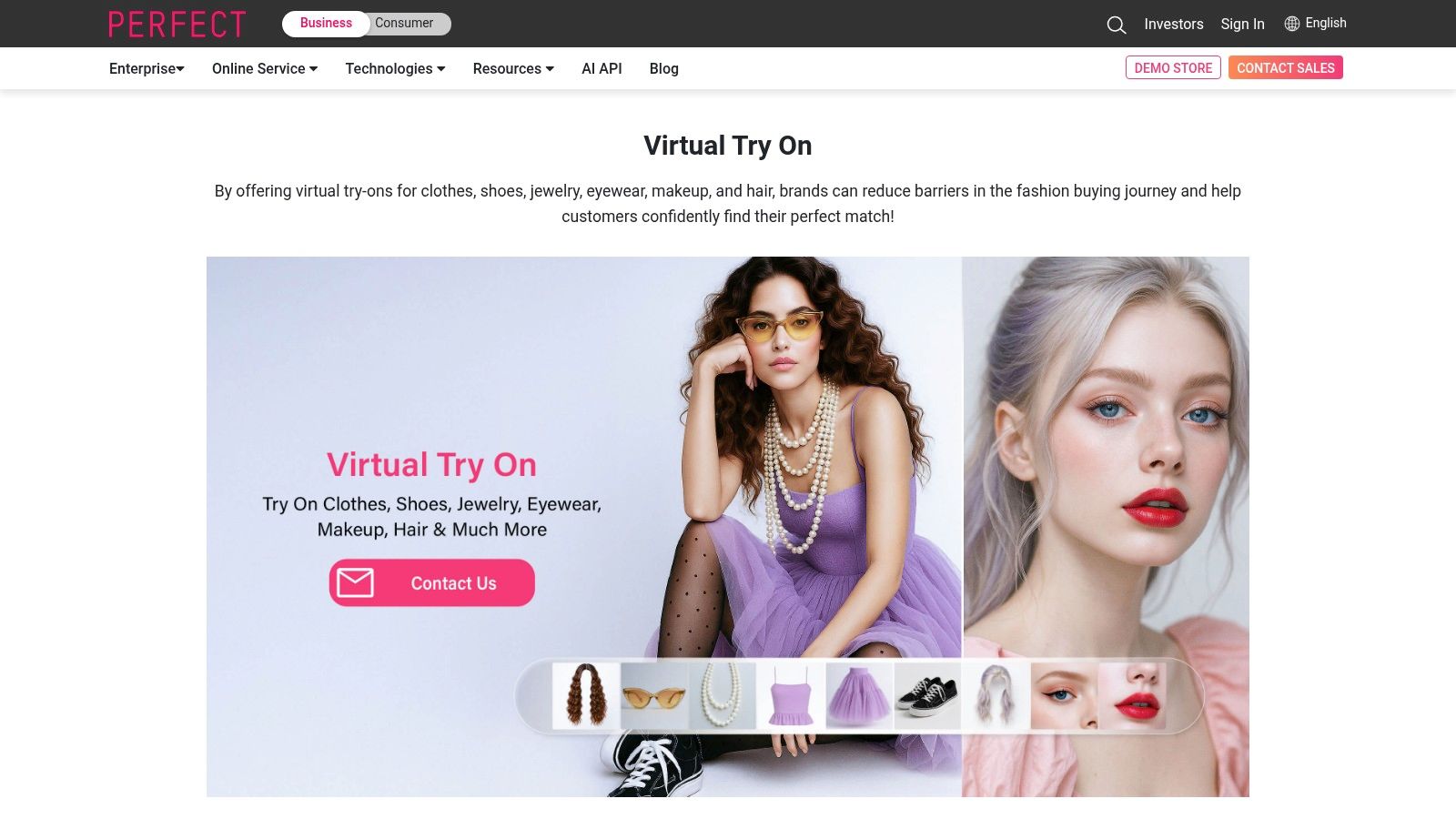
A larger brand can keep jewelry with a provider that already serves other categories, so you aren't opening a second vendor relationship if beauty or accessories already sit there. Production pricing is generally quote-based. Some experiences carry device or browser requirements. Confirm asset format and which SKUs are in scope before you set a launch date.
The stack view can win the "how will these look together" question that static photos lose. It still won't prove karat color under kitchen light or the inner circumference of a band. Put dimensions in the spec copy beside the experience. More is on Perfect Corp.'s virtual try-on page.
6. MirrAR
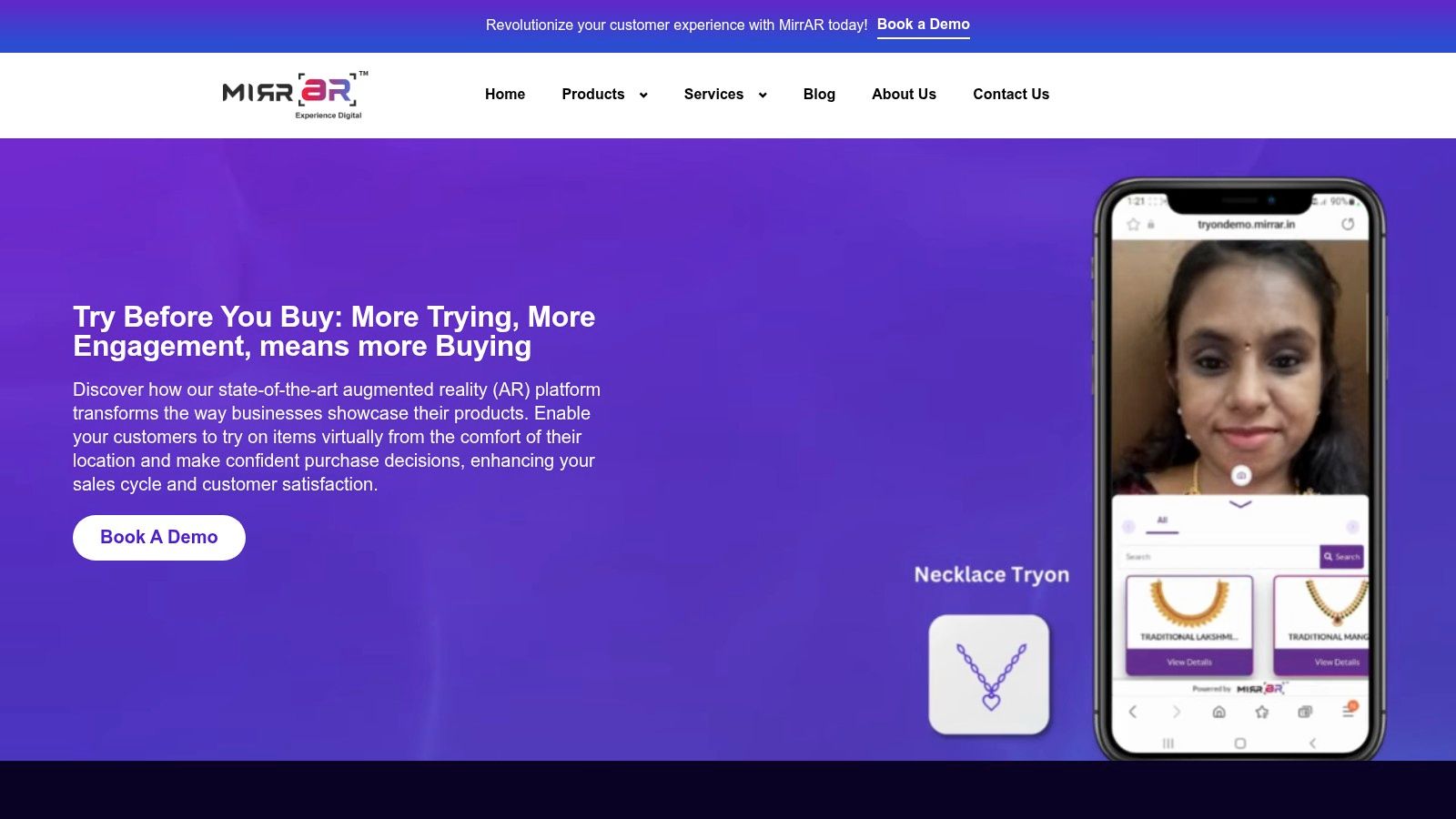
MirrAR is the deployment-flexible choice. The same jewelry try-on can run on the web, on mobile, on a tablet, on a smart mirror, and in store. Face and hand tracking covers rings, bracelets, watches, earrings, and necklaces. An SDK supports custom apps, and Shopify and WooCommerce are listed integration paths.
Camera try-on is no longer a lab demo. In January 2022, TechCrunch's report on Snapchat's AR shopping tools described a beta with more than 30 brands in which users virtually tried products more than 250 million times, across jewelry, watches, accessories, clothing, and cosmetics. That isn't a MirrAR result. It is the expectation a live camera experience now has to meet.
Pricing isn't clearly published, and the vendor offers several paths you should scope in writing. Integration and asset prep take more effort than a photo-only app. Ask whether the mirror and the website share the same models. See MirrAR.
7. Vizora Try-On
Vizora Try-On stays narrow on purpose. Shoppers preview rings and bracelets using their own photos. You get a Shopify 2.0 app, listed integrations for WooCommerce, Wix, Magento, and BigCommerce, a responsive layout, and a 14-day trial. The published entry price is one of the more approachable figures in this set.
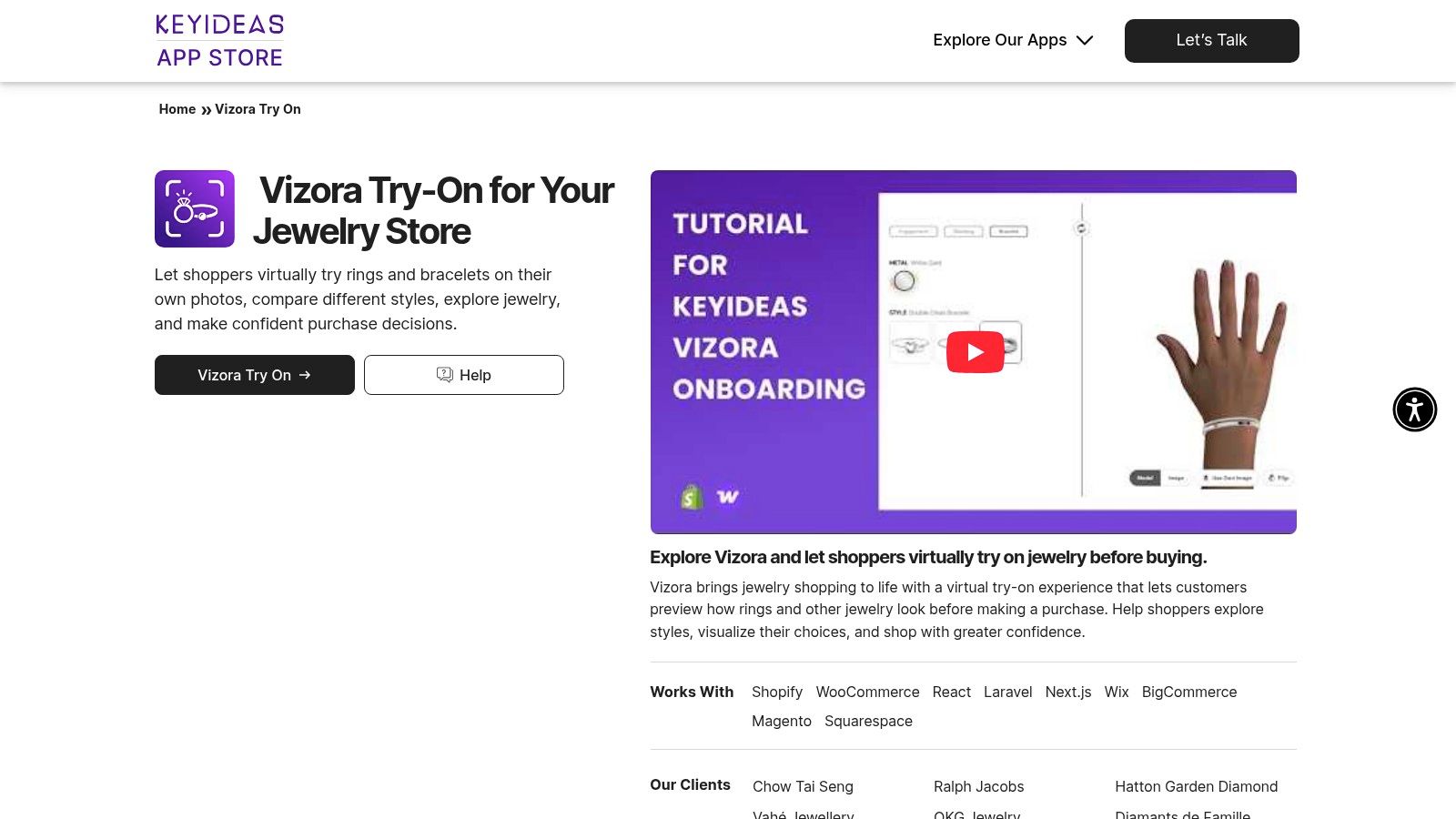
I'd use it for a shop that sells bands and bangles and doesn't need earring or necklace tracking yet. Public review volume is thinner than on the larger Shopify apps, so judge the trial on your own hand photos, not the vendor's demo hand.
- Confirm the mode: ask whether the plan you buy is photo-based, live camera AR, or both.
- Coverage stops at hand and wrist: necklaces and earrings need a different tool.
- Photo quality is the input: cropped fingers and harsh flash will look wrong even if the app is fine.
The output is a generated preview on a still, not a measurement of knuckle clearance. Details are on the Vizora Try-On page.
8. Touchtry Virtual Try On
Touchtry Virtual Try On puts live 3D and AR on Shopify product pages for rings, bracelets, necklaces, and earrings, and it also covers watches, eyewear, apparel, and other categories. A merchant dashboard handles products and categories. Published plans state usage and SKU limits, and model-creation help is optional if you don't have files yet.
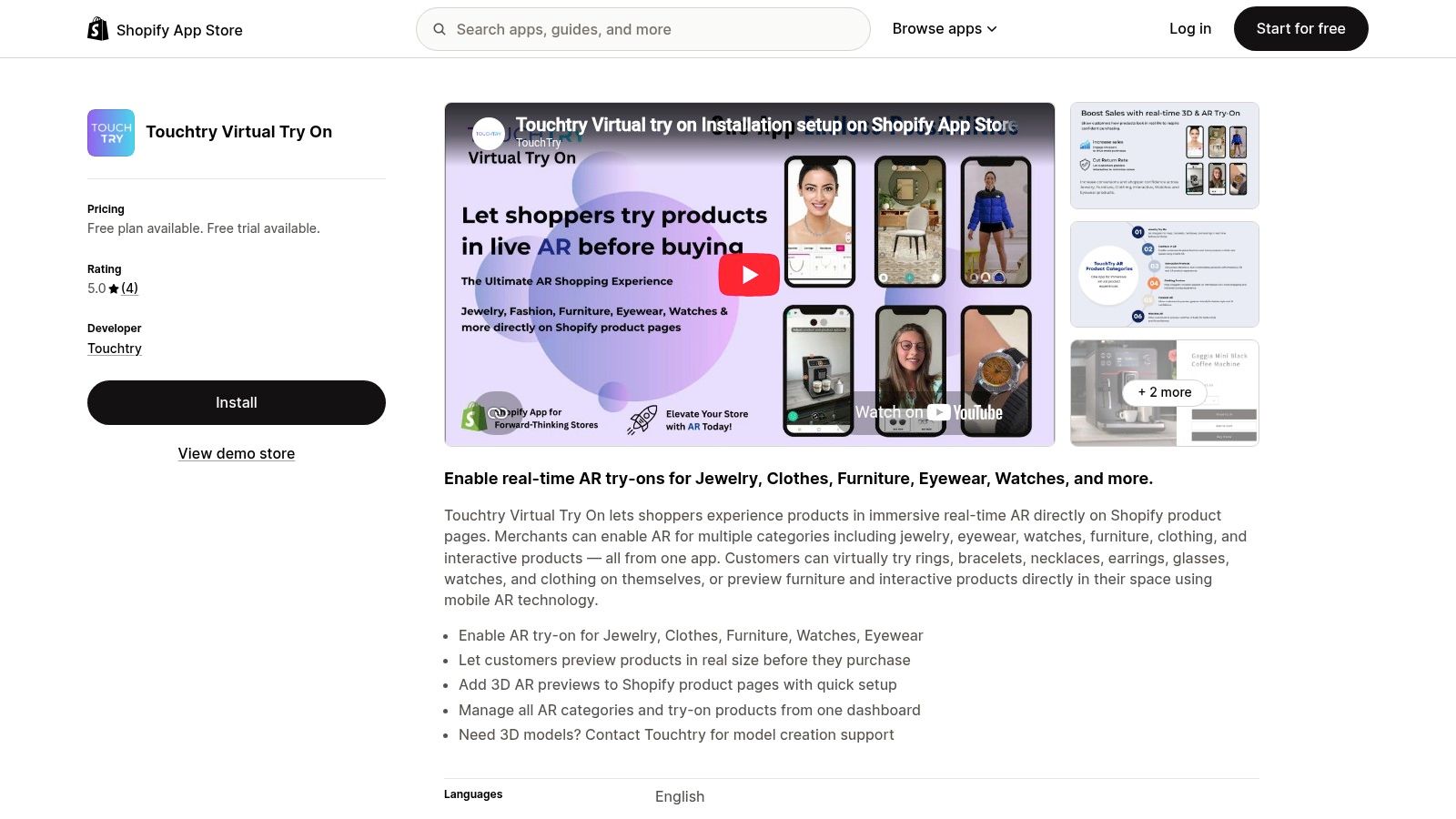
You still need 3D product assets, or you pay to have them made. Early reviews mention easy setup and responsive support, but the public review count was small when I looked. Higher tiers can be more capacity than a 40-piece collection needs.
If renders already exist, Touchtry is a reasonable Shopify-native launch. If every SKU is a flat photo, the modeling backlog will outlast the app install. Track completed try-on sessions separately from add-to-cart so a long session doesn't get mistaken for a sale. The listing is Touchtry on Shopify.
9. Genlook
Genlook uses AI photo try-on to place necklaces and earrings on a shopper's picture from the product photos you already have. Conventional 3D models aren't required. Integrations include Shopify, WooCommerce, and PrestaShop, plus an API. There's a free plan and published paid tiers. The vendor says shopper photos are encrypted and automatically deleted after seven days. When I checked, the Shopify listing showed a 5.0 average across 40 reviews.
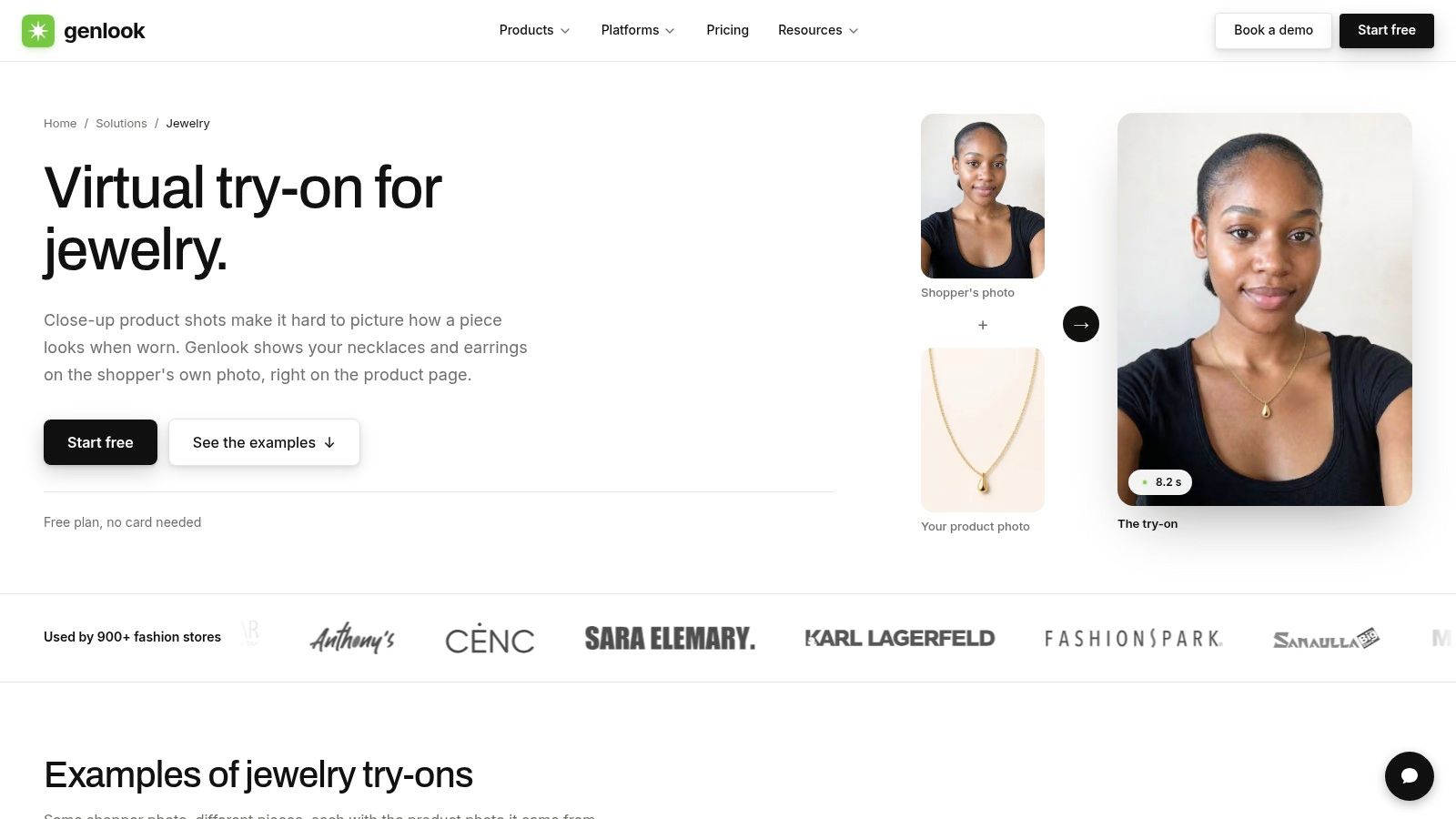
Helpful isn't the same as accurate. A jewelry-retail write-up from Corso reports that 22% of online shoppers return products because the item didn't match its online description, while a survey-based report in that piece says 90% of users who tried a jewelry virtual-try-on feature found it helpful. Genlook can raise confidence on neck and ear styling. It doesn't produce a defensible size, and results follow the angle and quality of both photos. See Genlook for jewelry.
10. HUES AI
HUES AI is a jewelry visual studio, not a product-page tracker. You can generate AI try-on for rings, necklaces, earrings, bracelets, watches, and sets, then batch several items. The same workspace covers product photography, retouching, and scene generation. Pricing is credit-based, with vendor-stated commercial-use rights and complimentary credits on new accounts, so you can test without a monthly subscription.
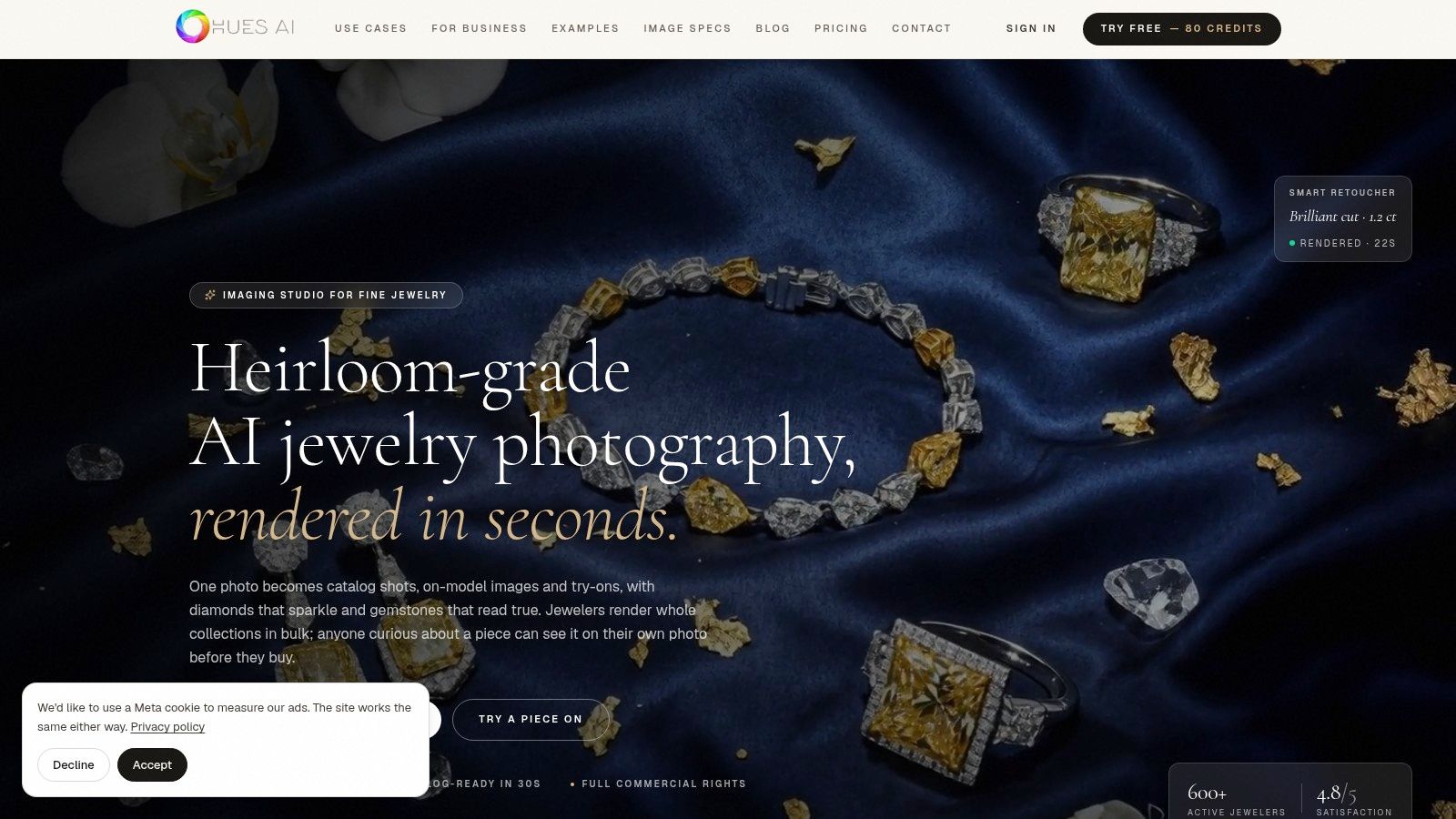
I wouldn't install this expecting a shopper to move a hand in front of a webcam. Credit use changes by tool and by generation. Every output needs a human check for prongs, chain links, clasp shape, and stone color. A generated preview is not a substitute for exact dimensions.
When that approved visual has to survive supplier review, tie it to a jewelry tech pack from the sketch so campaign pixels and factory specs don't drift apart. The studio is HUES AI.
How the 10 virtual try on jewelry software options compare on pricing, try-on method, integrations, and asset requirements
| Item | Pricing model | Try-on method | Integrations | Asset requirement |
|---|---|---|---|---|
| Camweara | Published plans; limits and features vary by channel | Photo and video try-on | Shopify and broader integrations | Product images; AI preparation tools available |
| Tangiblee | Quote-based; not publicly listed | Browser-based try-on with size visualization | Ecommerce integration options | Existing product imagery; no separate 3D pipeline required |
| Banuba TINT | Custom pricing may require a quote | Live camera-based AR with face and hand tracking | Web, iOS, Android, Mac, and Unity SDKs | Product digitization from photos available; preparation required |
| GlamAR | Published SKU and monthly-view tiers; quotes may be needed | Browser-based live WebAR | SDKs, embeds, and APIs | 3D models assumed; model creation available |
| Perfect Corp. Virtual Try-On | Generally quote-based | AR try-on with ring stacking and multi-ring visualization | Website, mobile app, and API | Confirm asset requirements and catalog coverage |
| MirrAR | Pricing not clearly published | Face- and hand-tracked try-on | Shopify, WooCommerce, SDK, and custom integrations | Asset preparation may be required |
| Vizora Try-On | Published plans; 14-day trial | Photo-based ring and bracelet try-on | Shopify, WooCommerce, Wix, Magento, and BigCommerce | Shopper photos and product images |
| Touchtry Virtual Try On | Published plans with usage and SKU limits | Live 3D and AR try-on | Shopify product-page embedding | 3D product assets; creation assistance available |
| Genlook | Free plan and published paid tiers | AI photo try-on | Shopify, WooCommerce, PrestaShop, and API | Existing product photos; no 3D models required |
| HUES AI | Credit-based; complimentary credits available | AI-generated try-on-style visuals | Not specified | Jewelry images for AI generation |
Matching the Tool to Your Catalog and Your Team
Sort the catalog before you sort the logos. Clean 3D models make live AR from Banuba TINT, GlamAR, or Perfect Corp. a realistic launch. Product photos alone point to Genlook or Vizora Try-On. Tangiblee sits between them, building from imagery while adding scale and look-building. Camweara and Touchtry fit teams that want structured onboarding or a Shopify plan with SKU limits. MirrAR is the one to price when the same experience must run on the site and on a store mirror. HUES AI belongs with the creative team, not the product-page developer.
Grand View Research values the global virtual try-on market at USD 9.2 billion in 2023 and projects USD 46.4 billion by 2030, a 26.4% CAGR, naming wristwatch and jewelry as the fastest-growing application segment from 2024 to 2030. That is a category forecast, not your conversion rate. A software-market report from DataIntelo says retailers using virtual try-on see session times three to four times longer than traditional product-page browsing and satisfaction gains of 18 to 22 percentage points. A jewelry-focused compilation in that report cites 32% retailer adoption, 68% higher conversion, and a 28% reduction in returns. Treat those as directional. The methodology isn't disclosed, so don't paste them into a board deck as your forecast.
Run a pilot on best-selling rings and necklaces. Compare shoppers who open try-on with matched shoppers who don't, inside the same traffic source, device class, and price tier. Check the preview against real dimensions, metal color, and stone layout. Get pricing in writing, including model creation, extra image edits, and view caps.
If the job is marketing imagery rather than a live widget, Genpire's Try-On Studio is a different product. It's an add-on for brand-consistent campaign visuals, including a dynamic pose under softbox-style lighting or a piece shown on display in a store. It doesn't replace camera tracking on the product page. Evaluate it beside this shortlist when the asset you need is a still, not a shopper session.
Genpire turns a jewelry concept into multi-view visuals, a tech pack, and a path to sampling, and Try-On Studio adds marketing visualizations when you need to see a piece styled before it hits a product page. If you're deciding between a live try-on widget and campaign imagery, start with the asset you can produce this month. Visit Genpire to map the design, the specs, and the try-on visuals in one workflow.